UltraDNS Push Notifier: A Self-Hosted Notification Relay
Completed
I’ve seen interest in interfacing with UltraDNS’s Push Notification feature outside of AWS. While Lambda examples are available, this app provides a self-hostable, platform-agnostic solution for users who want full control over their notification infrastructure.
What Is It?
This Dockerized notification relay service simplifies the process of integrating UltraDNS’s push notifications with platforms like Slack and Microsoft Teams. The app:
- Is lightweight and fully self-contained.
- Requires no external dependencies beyond Docker and a reverse proxy (Traefik by default).
- Supports IP filtering and GUI-less operation as an enhanced security measure.
How to Set It Up
Step 1: Download and Configure the App
Create a directory and pull the required Docker Compose and environment files:
mkdir -p ultradns-push-notifier/data/certificates && cd ultradns-push-notifier
curl -O https://raw.githubusercontent.com/ultradns/ultradns-push-notifier/refs/heads/master/docker-compose.yml
curl -o .env https://raw.githubusercontent.com/ultradns/ultradns-push-notifier/refs/heads/master/example.env
Update your .env file with the following variables:
-
WEB_HOST: The hostname for your application (must be accessible via HTTP). -
ACME_EMAIL: Your email address for the TLS certificate registration.
Step 2: Start the Containers
Run the app using Docker Compose:
docker compose up -dStep 3: Access the App in Your Browser
- Open a browser and navigate to
<https://<WEB_HOST>>(replace<WEB_HOST>with the hostname you configured in the.envfile). - Follow the setup wizard to configure your first webhook:
-
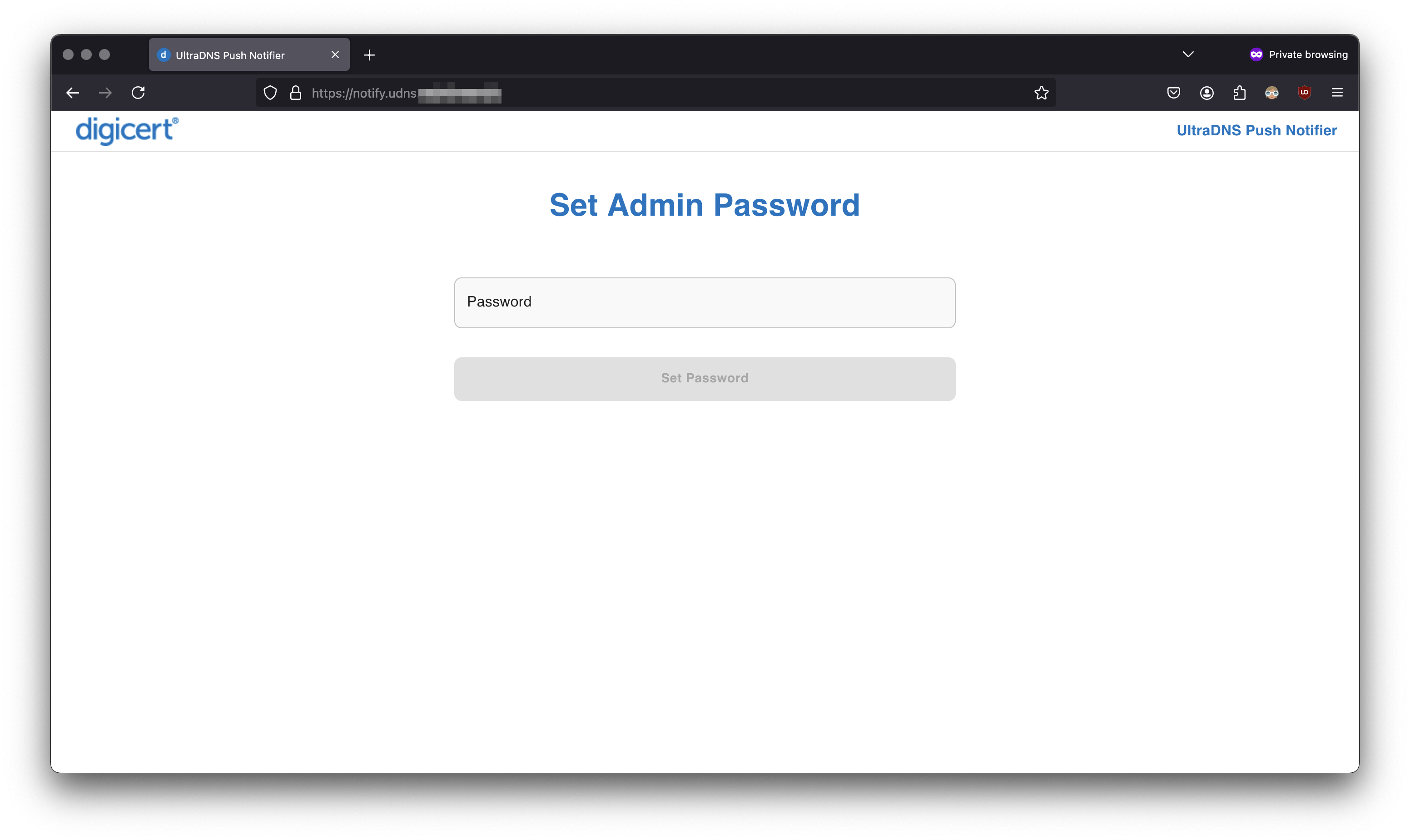
Log in: If this is your first time accessing the app, you’ll be prompted to set an admin password.
-
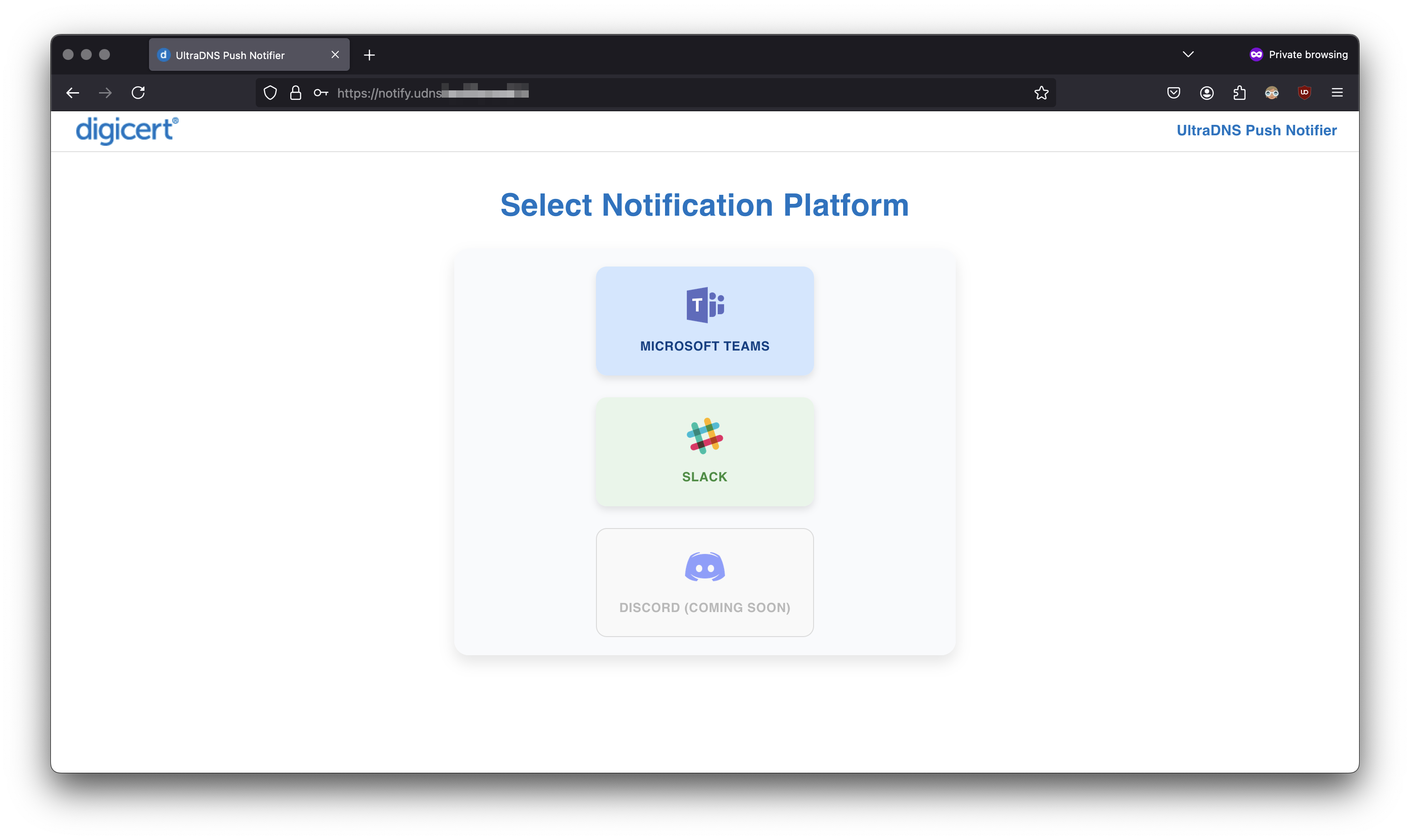
Select a Platform: Choose between Slack or Microsoft Teams (additional platforms coming soon).
-
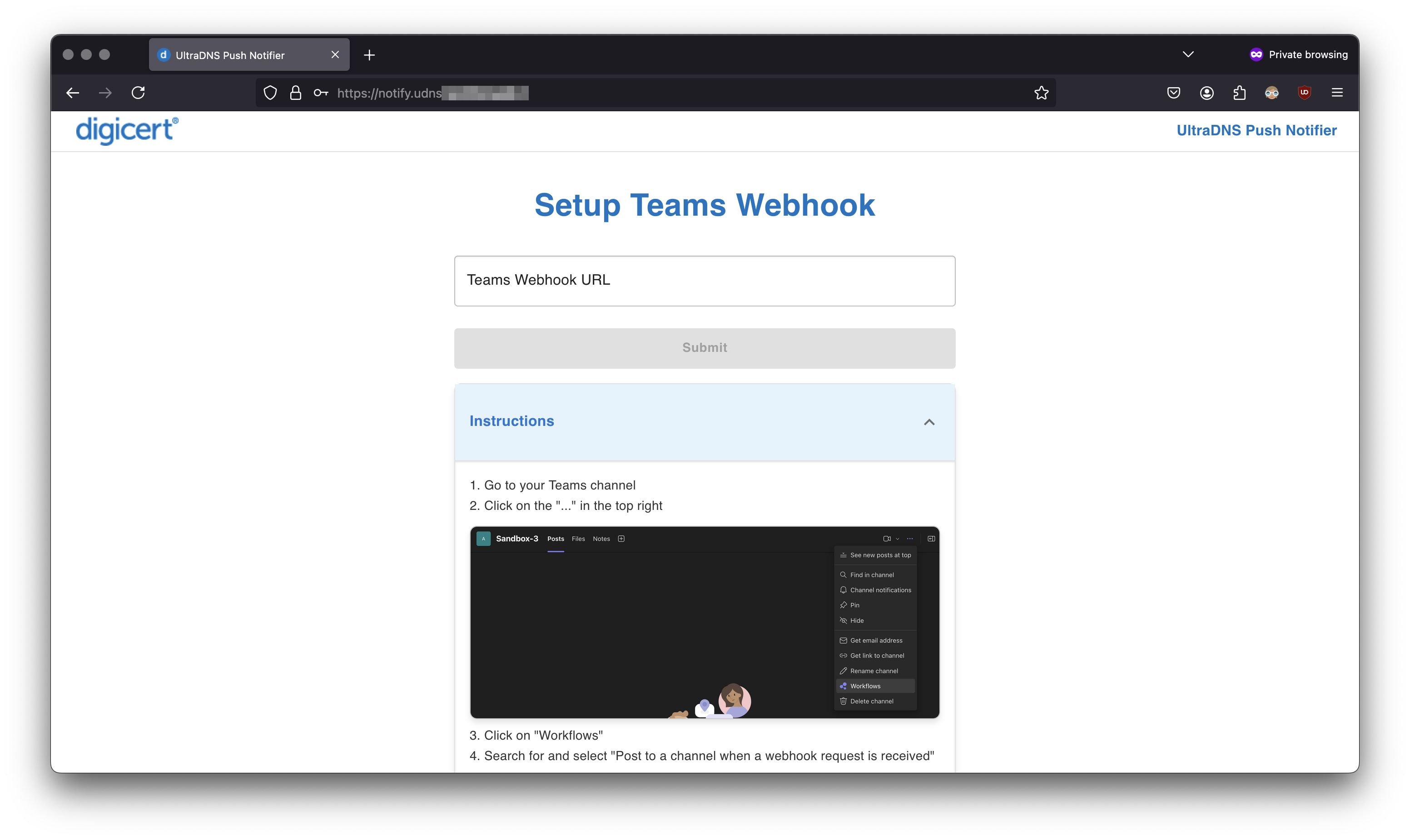
Add Webhook Details: Enter the webhook URL for your platform.
-
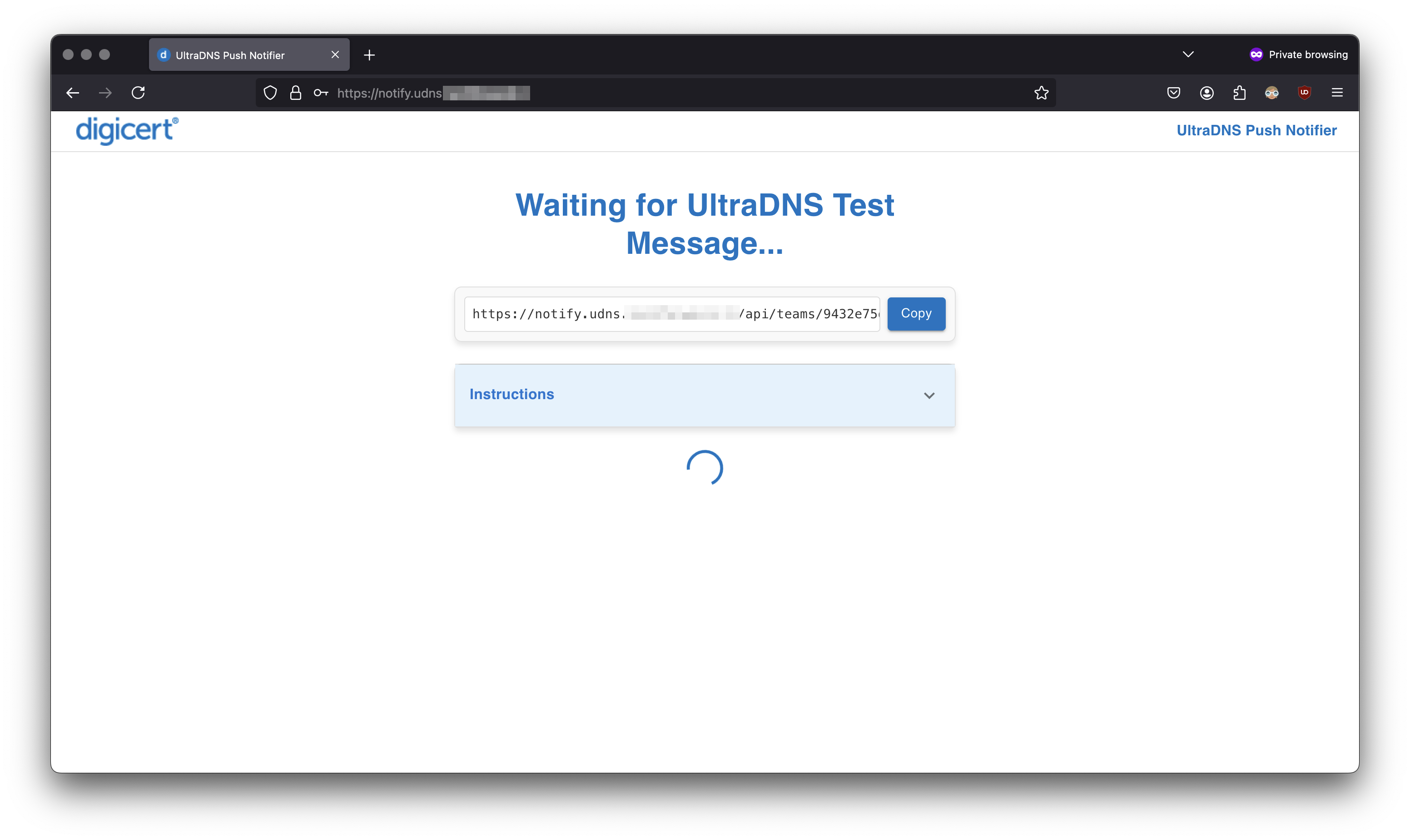
Verify Endpoint: The app will wait for UltraDNS telemetry to confirm the webhook is working.
-
-
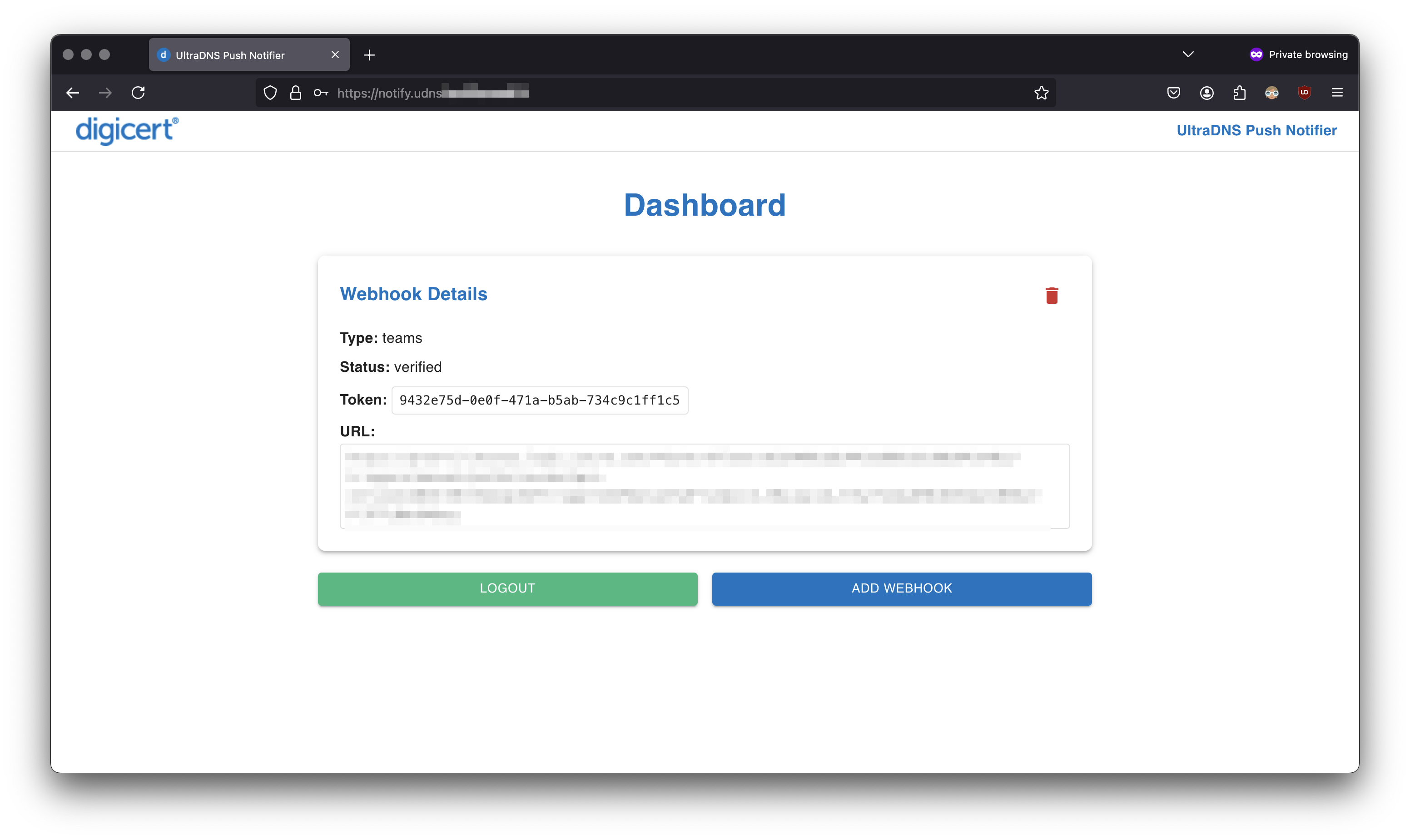
Once the webhook is successfully verified, you’ll be redirected to the dashboard, where you can view and manage your configured webhooks:
Step 4: Optional Customizations
-
Enable IP Filtering: Set
FILTER_IPS=truein.envto restrict telemetry from non-UltraDNS sources. -
Disable the GUI: Set
DISABLE_GUI=trueafter completing setup for added security.
Why Use This App?
This solution provides:
- Flexibility: Use your own infrastructure without relying on AWS Lambda.
- Cost-Effectiveness: Avoid vendor lock-in and pay only for your own hosting costs.
-
Simplicity: Quickly deploy the app using Docker Compose.
Future Enhancement Ideas
- Discord Support: Planned support for Discord as a notification platform, expanding beyond Slack and Microsoft Teams.
- S3 Bucket Integration: Add the ability to configure an AWS key/secret pair and write events to JSON files stored in an S3 bucket.
- Password Management: Enhance password handling by allowing the admin password to be declared as an environment variable or changed directly from the UI.
-
Customizable Message Formatting (Long term goal): Enable customization of the message format and layout. While the content from UltraDNS remains consistent, users will be able to modify the boilerplate format for better alignment with their needs.
Community
I’d love to hear from you! Whether it’s feedback, feature requests, or contributions, join the conversation here on our community forum or GitHub. Let’s make this even better together!